Remove people from photos online
The view was perfect, the crowd was not. Upload the photo, say who should go, and get the same picture back with the background filled in naturally where they stood.
1 credit per image1 credit per photo. Your first 3 credits are free.
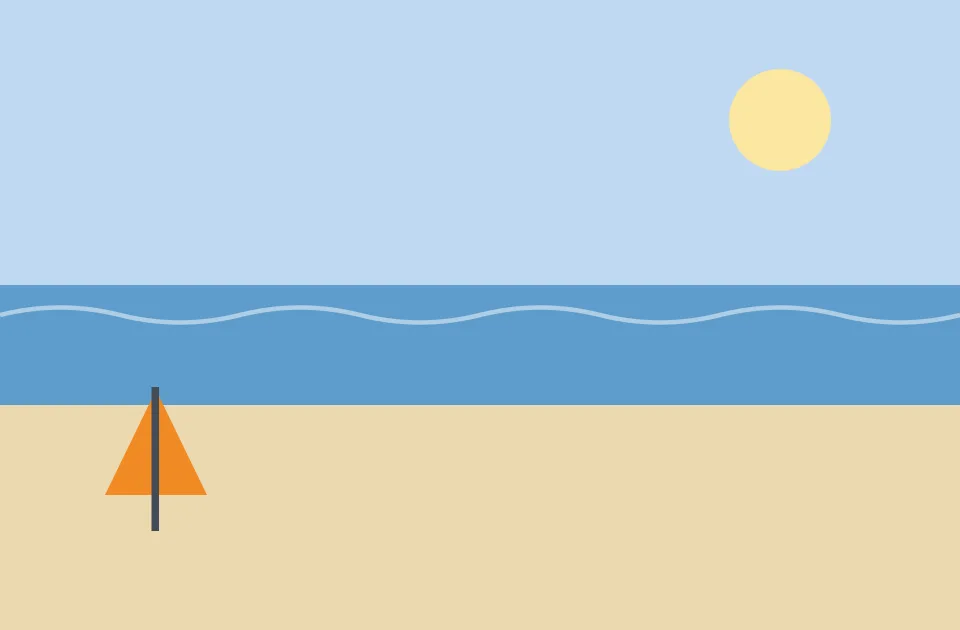
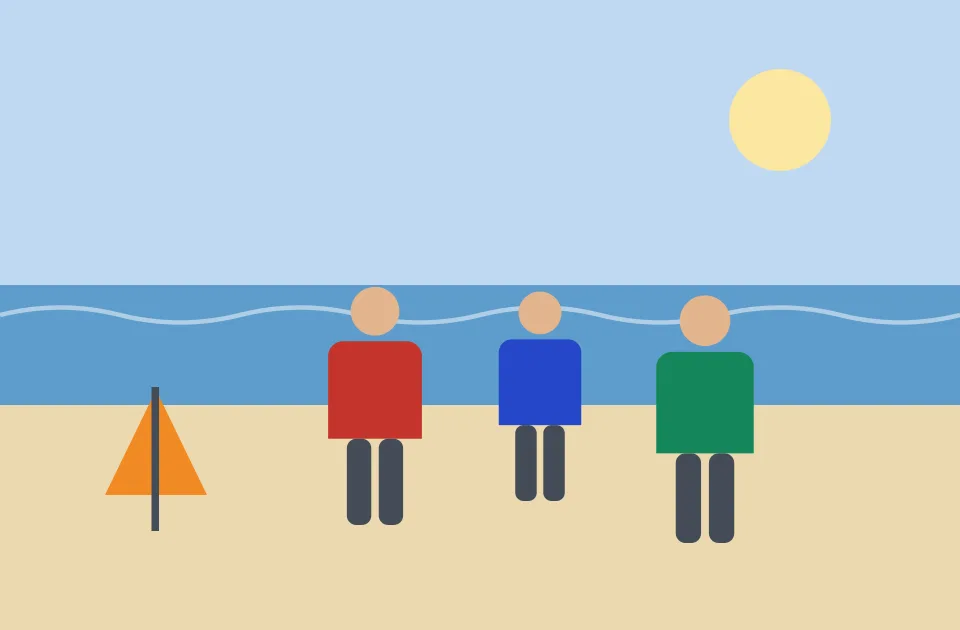
Drag the handle to compare before and after.
How it works
Upload your photo
Choose a JPG or PNG up to 10 MB from your phone or computer.
Say who to remove
Describe the person in a few words, for example “the man in the red jacket on the right”.
Download the clean photo
In a few seconds the edited photo is ready to download or share.
What people use it for
- Travel photos: keep the monument, the beach or the square and lose the tourists who walked into the frame.
- Property and venue photos: show rooms and outdoor spaces without passers-by.
- Family pictures: take out the stranger in the background of an otherwise perfect shot.
How credits work
- New accounts start with 3 free credits. No card needed.
- You pay only for results: if something fails, the credits come straight back.
- Need more? Credit packs start at $3 for 10 credits, and credits never expire.
| Person Remover | 1 credit per image |
|---|
Credit packs
- 10 credits10 images or 2 book pages$3
- 20 credits20 images or 5 book pages$5
- 50 credits50 images or 12 book pages$10
- 120 credits120 images or 30 book pages$20
- 360 credits360 images or 90 book pages$50
- 800 credits800 images or 200 book pages$100
Frequently asked questions
How do I remove a person from a photo?
Upload the photo, describe the person you want removed, and press the button. The edited photo appears in a few seconds, ready to download.
How much does it cost?
Each edited photo costs 1 credit. New accounts get 3 free credits, and extra credits start at $3 for 10.
What if the result is not good or the edit fails?
If the edit cannot be completed you are not charged. If you simply want a different result, change the description and try again.
Which photo formats can I use?
JPG and PNG photos up to 10 MB. Sharp, well-lit photos where the person is clearly visible give the best results.
Are my photos kept private?
Yes. Your photo is used only to make your edit. The latest results stay in your account for you to download, and you can delete them at any time.
Ready to try Person Remover?
1 credit per photo. Your first 3 credits are free.
Remove people from a photoMore tools
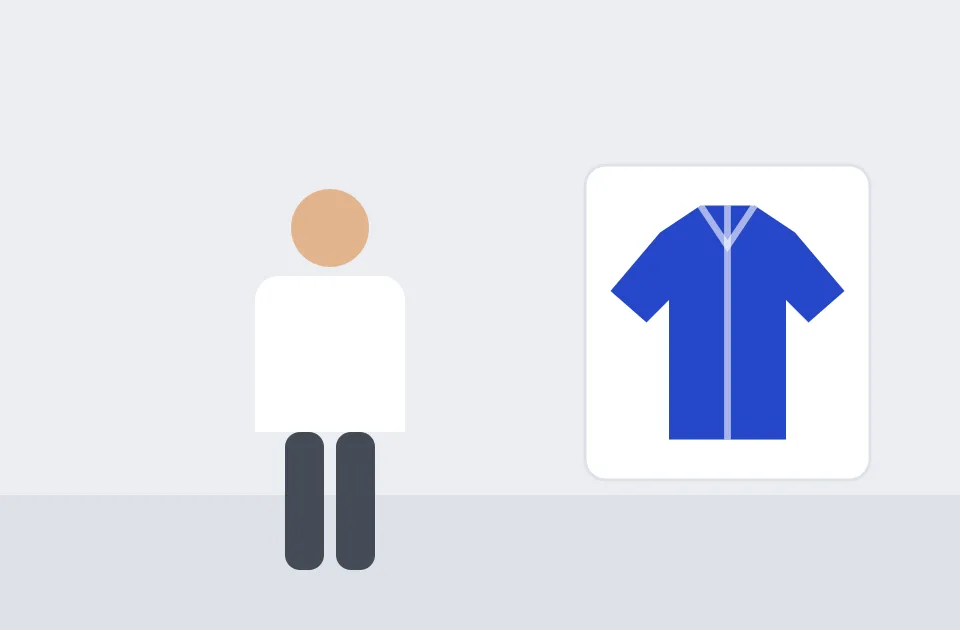
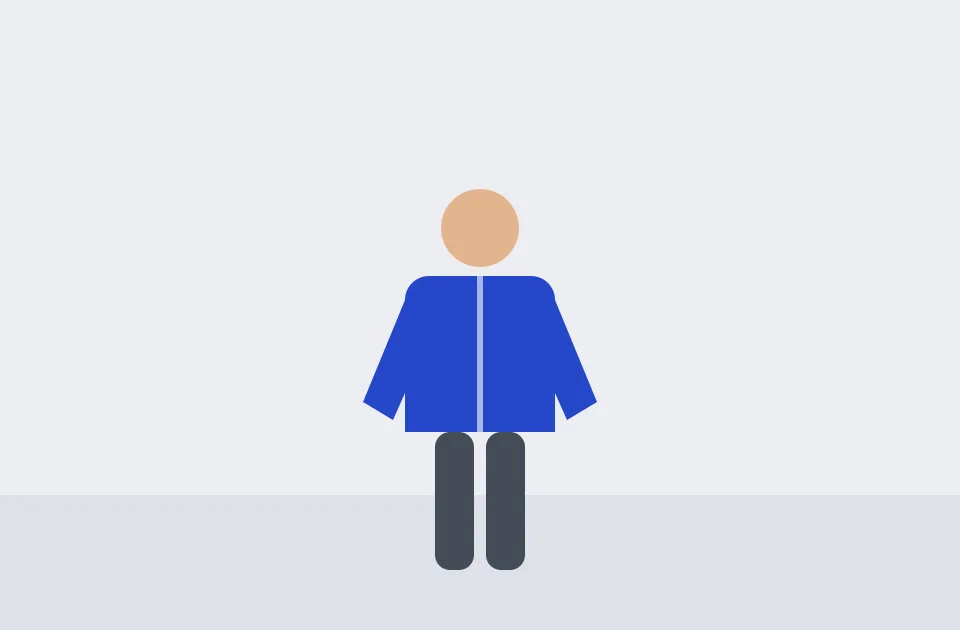
Clothing Try-On
See how an outfit looks on you before you buy it.1 credit per imageLibro Scanner
Turn photos of book pages into faithful text, dialect and original spelling included.4 credits per pageFirst page freeArrow Vision
Draw an arrow on the map and see a street-level view from that spot.1 credit per image